Scene Planner
Plan a scene together
Cuffplay is a free, private BDSM and kink web app for adults. Start on your own; explore with a partner when you’re ready. Its Scene Planner gives you a place to record what you have discussed, what needs care, and what either of you may still want to change.

Begin with choices you have made
Scene planning starts with My Map. On your own, you can add items you marked Interested or Curious to a private draft. With a partner, the choices available in the editor are filtered by what both of you chose to share. You still need to check each item together. Seeing it in common does not tell you how either person feels about a specific plan today.
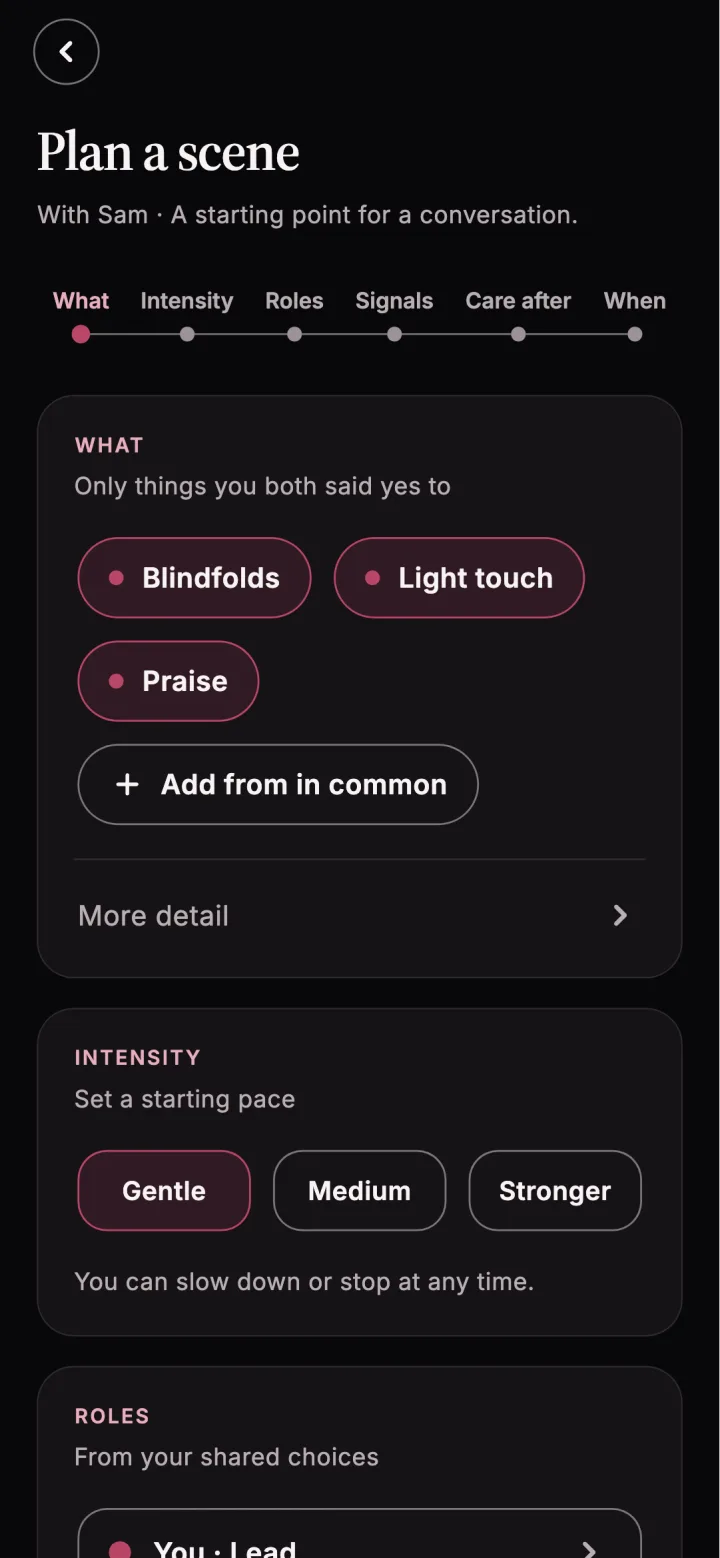
Give the scene a name if you want one, then choose what to include. You can select a day, or leave the timing open. Set a starting intensity of Gentle, Medium, or Stronger. The starting pace is something to discuss, not a commitment to keep going at that pace. An optional note can hold practical preparation details or anything your partner should know.
Agree on signals before anything starts
Every scene plan needs a safeword. The editor starts with Red, and you can choose another word. It also shows traffic-light signals: Green for keep going, Yellow for slow down or check in, and Red for stop.
You can add a non-verbal signal for a moment when speaking is difficult. The built-in options include tapping three times, dropping what you are holding, squeezing twice, and lifting one hand. You can describe your own signal instead. Choose something both people can actually use in the scene you are discussing, then confirm what each signal means before you begin.
A safeword or stop signal ends the activity. Either person can slow down or stop at any time, whether or not the plan has been agreed in the app.
Include care for both people
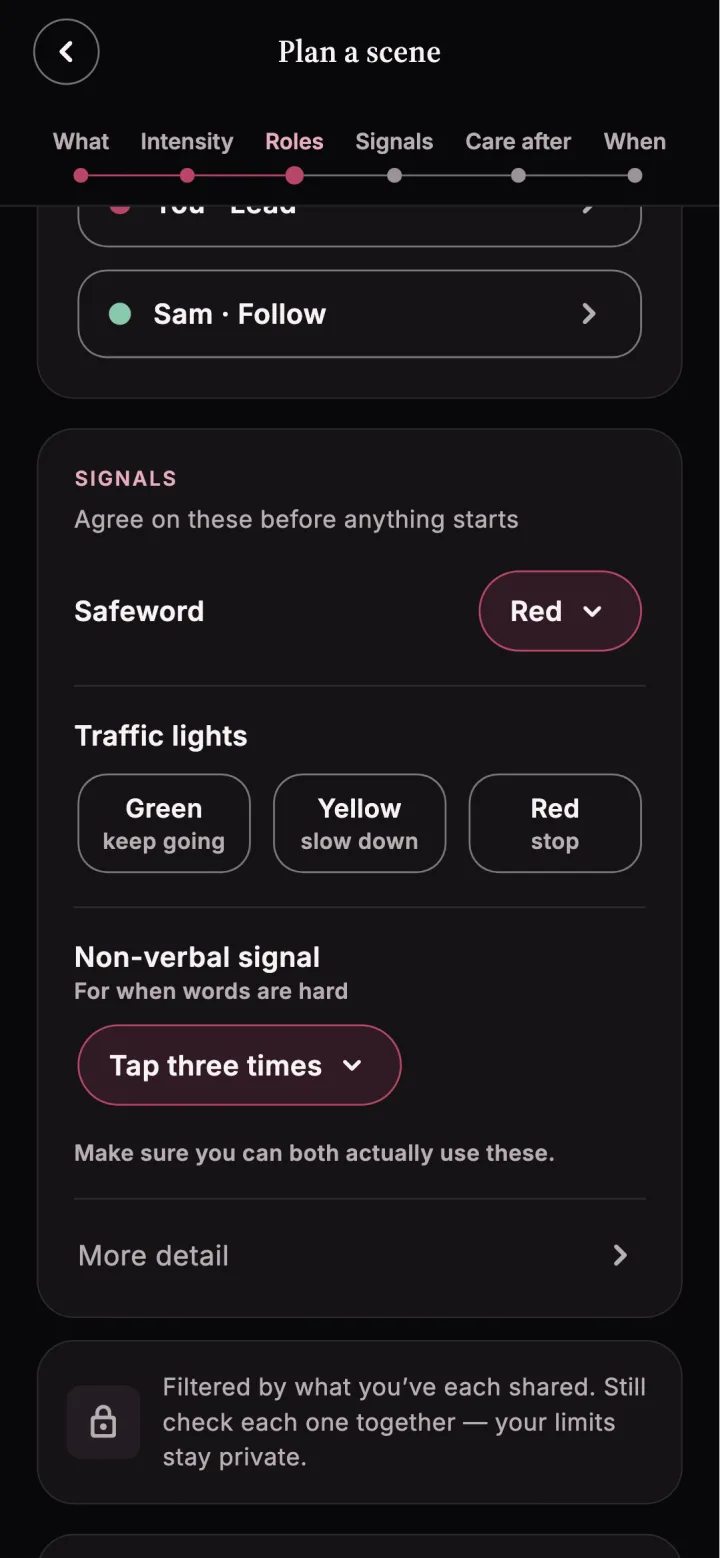
The plan asks what would help each person feel steady afterward. Choices include a hold, a quiet moment, kind words, water or food, time alone, and talking tomorrow. “Nothing needed” is also an option. In a shared plan, you can choose your needs and your partner can add theirs.
These choices make aftercare part of the conversation before the scene. They are a starting point: ask each other what the words mean in practice and leave room for needs to change.
Send, revise, or say “Not now”
When you send a plan, your partner can Agree, Suggest a change, or choose Not now. Suggesting a change creates a new version for the two of you to review. “Not now” closes that proposal without requiring a reason; you can talk and make another plan another time.
A sent plan can be withdrawn. Even after both people agree, the app reminds you that a plan is never a promise. Keep checking in with each other. Consent is a choice made in the moment, and either person can change their mind.
For example, Maya and Jules notice that they both chose to share an interest in a guided role-play scene. Maya proposes a gentle pace, adds a note to leave plenty of time to talk first, keeps Red as the safeword, and chooses “Talk tomorrow” for aftercare. Jules selects “Suggest a change” and asks for a non-verbal stop signal as well. They review the new version together before either person agrees. Their shared interest began the conversation; it did not settle the decision for them.
Save a draft for yourself
You do not need a partner to think through a scene. A solo draft uses items you marked Interested or Curious and stays visible only to you. It can help you work out what you want to ask, what feels uncertain, and what care you might need. The app describes it as a guide for a future partner; you can choose to send it once you connect.
You can leave a draft unfinished and return to it. There is no need to turn an idea into an invitation before you feel ready.
Check in afterward and read the guides
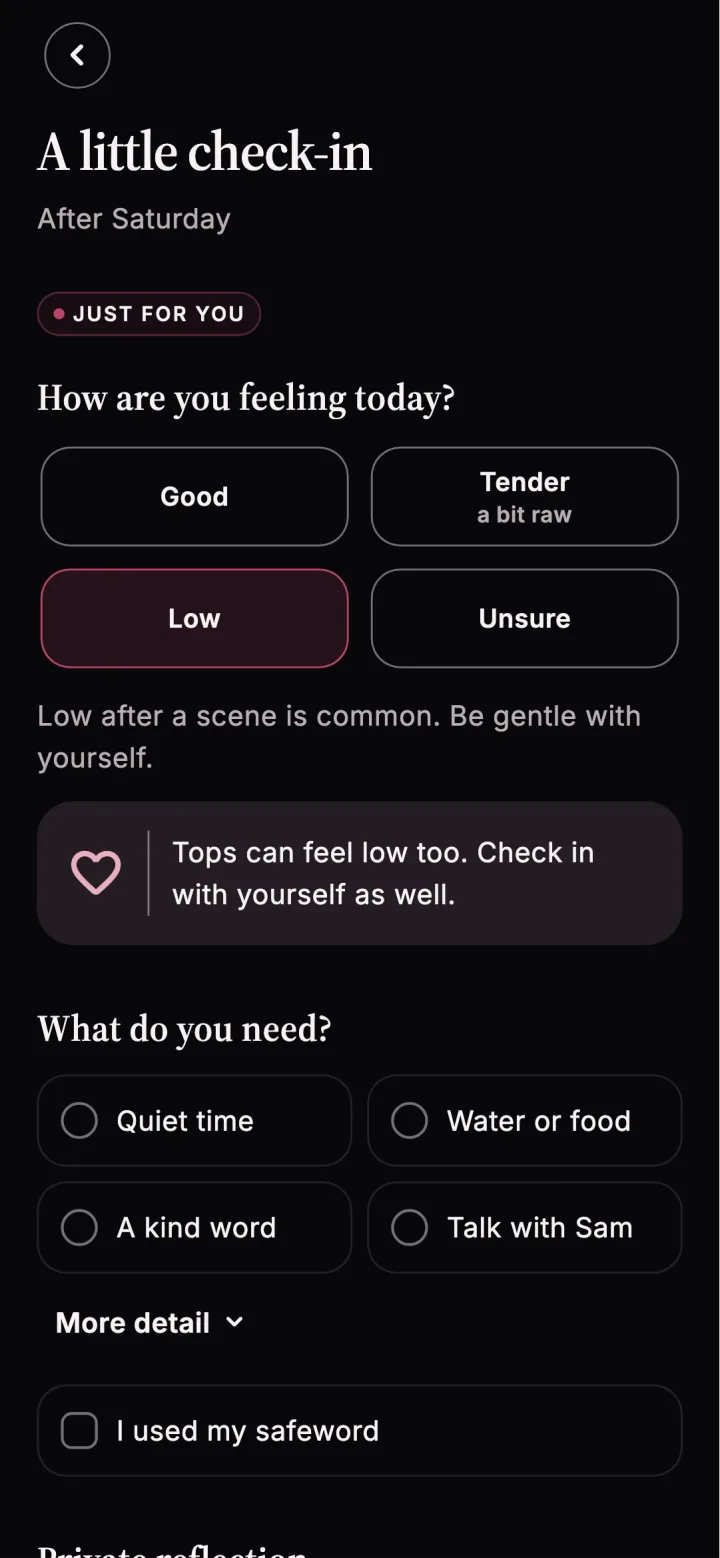
After a scene is marked done, Cuffplay offers a personal check-in the following day. You can record how you feel, what you need, whether you used your safeword, what felt good, what you would adjust next time, and whether a limit changed. Your notes are private unless you choose to share the check-in with your partner.
Four built-in guides support the conversation around a plan: How to talk before a scene, Signals that work even when words don’t, Aftercare, for both of you, and Drop: the hours and days after. They are starting points for talking together, not medical or professional advice.
“Never” choices are not shared or compared. A shared interest is not consent. Scene plans include a safeword and aftercare choices.
Frequently asked questions